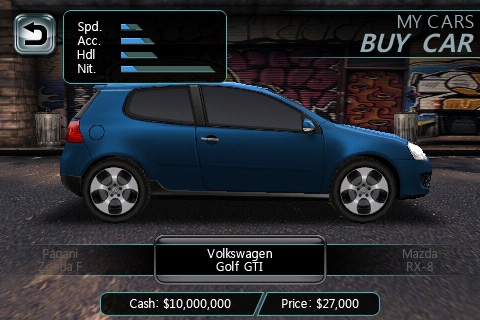
1. Run the game on iPhone, purchase a car and remember how many money you have left.
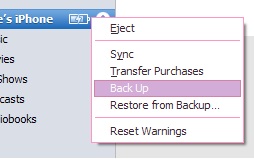
2. Exit the game, connect iPhone to computer, run iTunes, right click your iPhone in left window of iTunes, select “Back up” to backup your device:
3. Run iTunes Backup Manager, select “Need For Speed Undercover” in left window, then double click “Documents/gamedata” in right window:

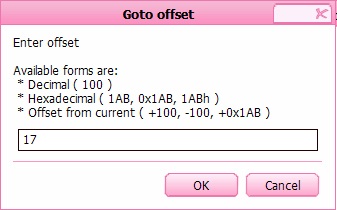
5. The “BE Dword” value at bottom-right should be your current money , you must know your money in a game, now enter “00989680″:

6. Select main menu > Files >Restore , select “Only restore modified file(s)” and press OK button, wait the restore process done, your iPhone will restart.
7. Now you can run the game and checks your money: